Here’s a scenario most managers know well: you finish a solid one-hour strategy session, everyone leaves aligned, and three days later two people are contradicting each other on what was actually decided. Nobody wrote it down properly. The note-taker caught maybe half of it while missing the conversation happening around them. The follow-up email took 45 minutes to reconstruct from memory.
This is hardly a discipline problem. It’s a structural one. The way we’ve been taught to document meetings is fundamentally at odds with what meetings actually require from us.
Why the designated notetaker model doesn’t work
Taking notes during a meeting sounds simple enough, but it forces whoever’s doing it to split attention between two things that each demand full focus – listening and writing. The result is that both suffer.
The note-taker misses what’s said while transcribing the last point. They abbreviate in ways that mean nothing an hour later. They’re focused on capturing words rather than understanding meaning. And perhaps most damaging for a manager: the person responsible for facilitating, reading the room, and keeping discussion on track is now partially absent from the conversation. They’re functioning as a transcriptionist.
What you’re left with afterwards reflects all of this – a Google Doc with vague action items, decisions that aren’t clearly recorded as decisions, and no real source of truth when people’s recollections start to diverge.
What a useful meeting record actually looks like
Before picking a tool or changing your process, it’s worth being clear about what you’re trying to produce. A good meeting record isn’t a transcript of everything said. It’s a structured document that makes the meeting actionable after it ends.
That means five things: a clear summary of what was covered, the specific decisions reached (not just discussed), action items with named owners and deadlines, open questions that still need resolution, and access to the full transcript for anyone who needs to verify exactly what was said.
Manual note-taking reliably captures maybe two of those five. The rest gets lost.
How AI recording changes the equation
This is where the approach has shifted for a lot of managers and team leads. Rather than assigning someone to write things down, you record the meeting and let the AI generate the structured record automatically.
Voicenotes is built around exactly this workflow. You record directly from your phone, Mac, or Windows PC – there’s no bot joining the call as a visible participant, no platform integration required, no software to install on anyone else’s computer. It works for video calls, phone calls, and in-person meetings equally. You start recording, have the meeting the way you normally would, and stop when you’re done.
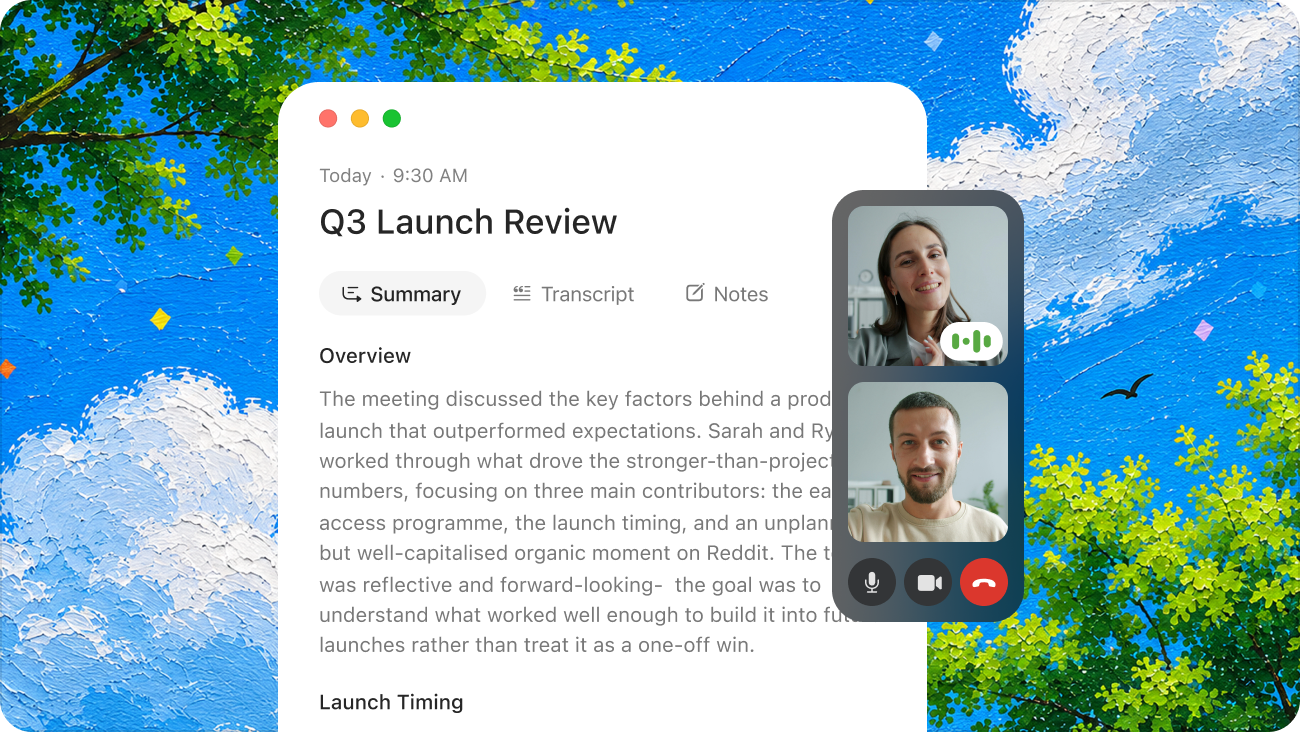
Within seconds, Voicenotes produces a full transcript, a concise summary of what was discussed, the key decisions made, and the action items with owners. It also links new meeting records to related past notes automatically, so if you’re three months into a project you can see how decisions have evolved without manually searching back through old files.
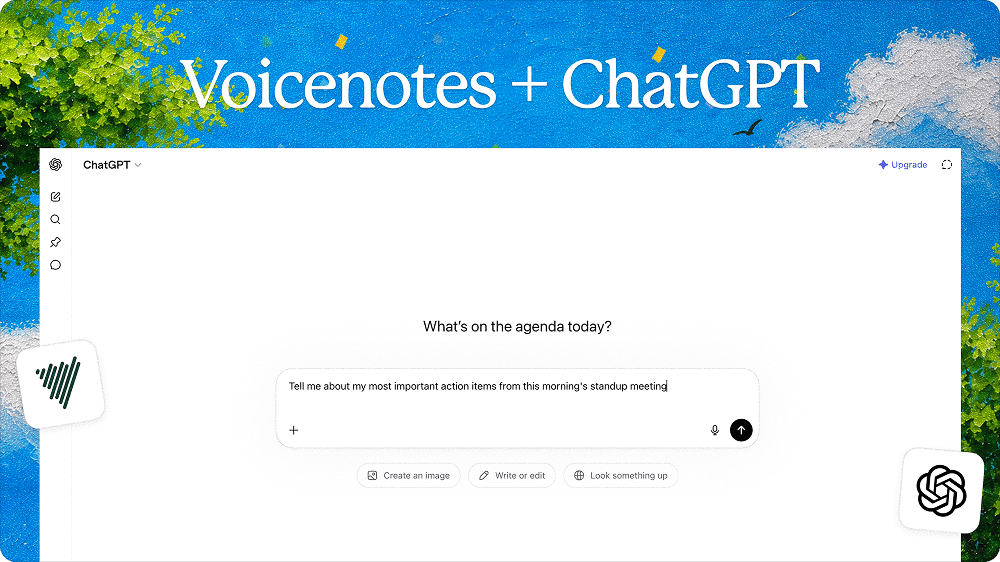
After the meeting, you can query the recording directly – “what did we agree on the timeline?” or “what did Marcus commit to?” – and the AI answers from the actual transcript rather than a best guess.
Step-by-Step: Recording a Meeting With Voicenotes
Taking great meeting notes with Voicenotes takes less than a minute to set up and zero effort during the meeting itself.
Before the meeting: Open Voicenotes on your phone, Mac, Windows PC, or Apple Watch.
During the meeting: Tap record and set your device down. Voicenotes captures audio even from across a room. You participate normally – no note-taking, no distraction. If you want to make a note or aside, you can do that it in the space provided while in the meeting and those notes will be featured on the final meeting summary.
End the meeting: Tap stop. A Meeting End Notification alerts you before any recording limit so you never cut off mid-session.
Review your report: Within seconds, Voicenotes delivers a structured meeting report – title, full transcript, summary, decisions, and action items – not a detail missed.
Take action: Ask the AI follow-up questions, draft a follow-up email, push action items to Todoist, or sync the notes to Notion – all from inside the app.
Bonus tip: You can also ask the app to summarize what’s been discussed so far in the meeting if you wanted a recap/missed anything. A quick summary will catch you up with everything already covered.
What this means for how you run meetings
The practical shift is bigger than it might seem. When you’re not managing a note-taker, everyone in the room is fully present. As a manager, you can focus entirely on the conversation – reading the room, asking follow-up questions, keeping things moving – without one eye on a document. The people who previously got stuck with note-taking duty are back in the discussion where they belong.
The follow-up also changes. Instead of spending 45 minutes reconstructing a meeting into an email, you’re reviewing a structured summary that’s already done, editing where needed, and sending. Action items don’t slip through because they were captured automatically from the conversation, not retrospectively from memory.
Over time, something else happens: you build a searchable archive. Every decision, every client conversation, every commitment your team has made – safe in the app that has transformed into a shared knowledge base for your team, retrievable in seconds. For managers handling multiple projects and direct reports, that institutional memory has real value.
Who benefits most from AI meeting notes
- Sales and client-facing teams
Every client requirement, buying signal, and objection gets captured – without you looking distracted by a laptop. After the call, the AI generates a CRM-ready summary and a draft follow-up email. Review your notes from the previous call before a renewal conversation without digging through old documents.
- Managers and team leads
Weekly standups, 1:1s, and strategy sessions all go on the record without a formal notetaker. Decisions and owners are clearly identified. Your team stops relitigating what was agreed because there’s always a source of truth.
- Remote and hybrid teams
Not every meeting gets recorded by a platform bot – especially in-person sessions, informal video calls, or conversations that happen over the phone. Voicenotes works wherever audio is captured, which means no meeting falls through the cracks regardless of format.
- Consultants and freelancers
Client briefings become permanent records. Scope agreements are documented. You protect yourself with a clear record of what was discussed – and generate first-draft deliverables directly from the conversation.
- Researchers and journalists
Interviews across a range of languages are transcribed accurately, even with complex terminology. AI extracts key themes and open questions from lengthy conversations, saving hours of manual review.
A few things worth knowing
Voicenotes supports transcription in 60+ languages, which matters for international teams or anyone regularly on calls with non-native English speakers. Recordings and transcripts are encrypted at rest and in transit, and the company states that user data is not used to train AI models. The app is GDPR compliant.
One thing to be aware of: Voicenotes does not notify other participants that a meeting is being recorded. Following local laws and your organisation’s policies on recording consent is your responsibility, not the app’s. In most professional settings this means simply letting people know at the start of a call – which is good practice regardless of the tool.
The bottom line
A meeting without a reliable record is a conversation. It may have been useful in the moment, but its value degrades fast. People’s recollections drift, action items disappear, and the decisions you thought were settled get relitigated.
The goal of meeting documentation has always been to make the conversation durable — to turn what was said in the room into something the organisation can actually act on. AI recording doesn’t change that goal. It just finally makes it achievable without sacrificing someone’s full participation to get there.
If you’re still relying on a designated note-taker, the cost is higher than it looks.